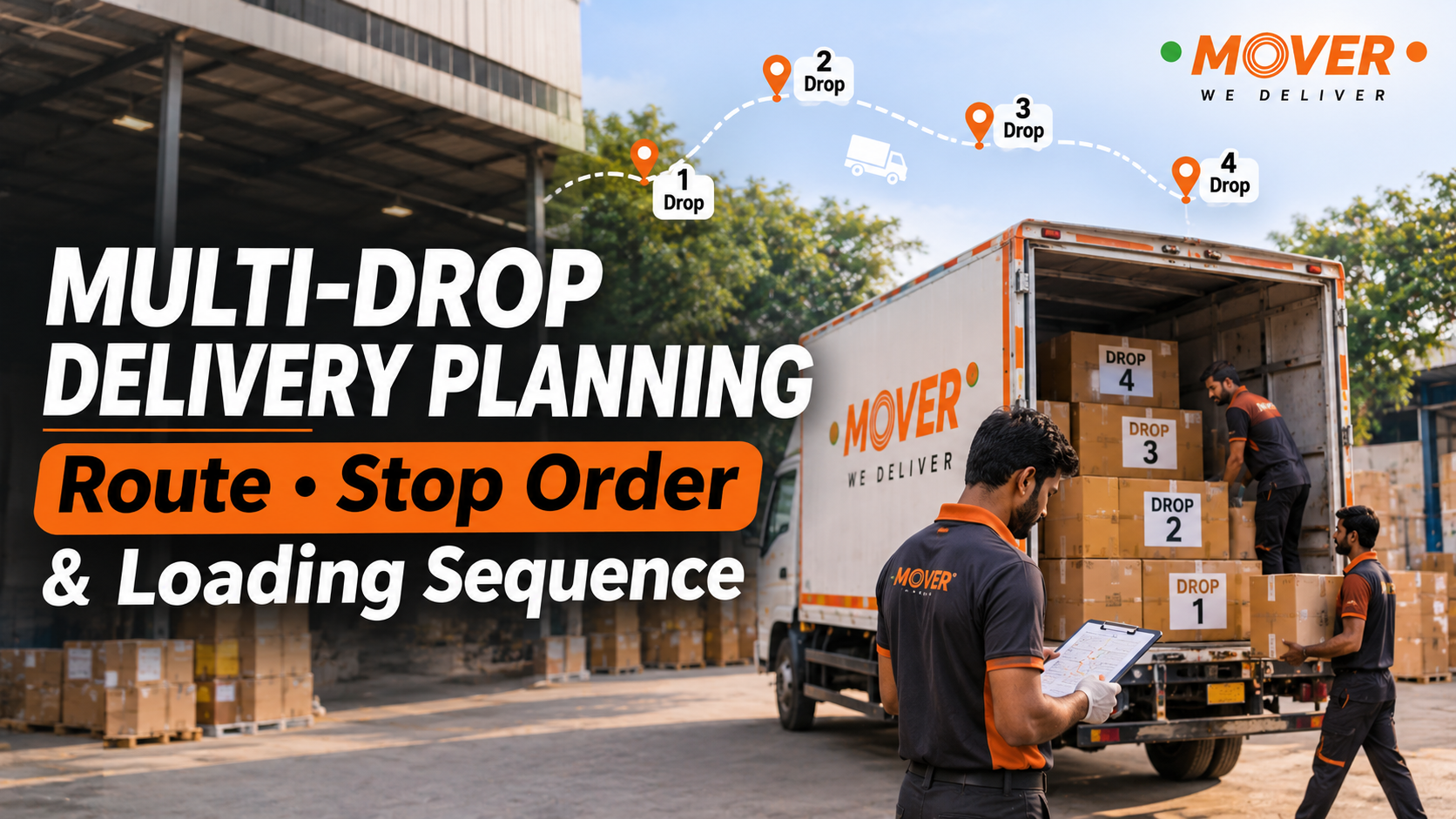

Today, let’s discuss how to plan a multi-drop delivery. This is about when goods are collected from one pickup point and are delivered to several locations during the same run. For example, a distributor may send stock from a warehouse to four shops in one vehicle. You may also know this as multi-stop delivery.
Before arranging that vehicle, you need to know when those shops can receive the stock and which delivery should come first. The people loading the vehicle also need to know this, so that the first shop’s cartons are easy to reach when the driver arrives there.
Let’s go through how you can arrange the deliveries, starting from collecting the shop details to checking what was handed over at the last stop.
Write down what each delivery point needs
First of all, speak to the people who will receive the goods. Having four addresses saved on your phone is useful, but you also need to know what will happen when the vehicle reaches each address.
Here are the details to collect:
-
Confirm where the goods will be unloaded. Ask for the complete address and the correct entrance. In a shopping complex, for example, the goods entrance may be behind the building, even though the map pin takes you to the front.
-
Then check the receiving time. A shop may open early, but the person who checks incoming stock may arrive later. Ask when they can receive your delivery and save that person’s contact number.
-
Write down what belongs to each customer. Note the carton count, approximate weight and size, along with any goods that need special handling. Keep the correct order references and required documents with each customer’s dispatch details.
-
Also ask who will unload the vehicle. Find out whether the shop has workers available and whether the goods need to go upstairs or be carried some distance from the parking spot.
Keeping these details together gives the driver and the dispatch team the same information to work with.
Choose a vehicle for the full load and every delivery point
Suppose each shop needs only a small quantity of stock. You may feel that a small vehicle will be enough, but all those deliveries will be on board together when it leaves the warehouse.
Count the full load first. Then look at both its weight and the space it needs. Large, lightweight cartons can take up plenty of room, while some goods cannot have other cartons stacked on top of them.
The vehicle also needs to reach every shop on the route. If one delivery is inside a narrow market lane, discuss the access and unloading arrangement before booking.
If you will collect returns, tell the transport team about them too. There may still be goods for other shops inside the vehicle when those returns are collected, so the team needs to allow for that load as well.
Once these requirements are clear, the mini truck booking checklist can help you with the other booking details. If the complete load cannot fit safely, then you need to discuss another vehicle or run separate runs before the packing begins.
Decide the stop order around receiving times
Start with the stops that have fixed timings
Look for customers who have a confirmed appointment or a short period for receiving stock. These stops need attention while you arrange the rest of the route.
The nearest shop may seem like the obvious first delivery. But if nobody there can receive the goods until the afternoon, sending the vehicle there in the morning will only leave the driver waiting.
Ask about the receiving process as well. At a warehouse, reaching the gate may be followed by entry checks, unloading and a stock count. If one of your stops follows appointment-based delivery, include those requirements while planning the other deliveries around it.
Then arrange the other stops by area
Once you know the fixed timings, look at the remaining addresses together. Shops in the same area may be easier to serve one after another, provided that their receiving times fit.
Also decide when the vehicle can leave the pickup point and where it should finish. If the stock will not be packed until late morning, a route that depends on an early departure needs to be changed.
You may find that two customers have receiving windows that cannot both be met in one run. Speak to them about another time, or discuss dividing the deliveries with the transport team.
Include the time spent at each stop
Let’s say the drive between two shops takes around 20 minutes. That does not mean that their deliveries should be scheduled 20 minutes apart. The driver still needs time at the first shop for unloading, counting and getting the delivery acknowledged.
Include that time before deciding when the vehicle can reach the next shop. Also leave some room for delays based on what you know about the route and the receiving locations.
You can use Google Maps to add and reorder stops while checking the proposed route. On a computer, enter the pickup and first destination, add the other destinations, and drag them into the order you want to compare.
Its driving directions are designed for cars, so ask the transport team to check whether the roads and entry restrictions suit the goods vehicle. Keep the receiving and unloading arrangements alongside the map.
Example: planning deliveries to four shops
Let’s just say that a distributor has 46 cartons ready at 9 am, and a suitable vehicle has been arranged. The stock is going to four shops.
The following is an example schedule. The visit times include unloading and receiving checks, while the gaps allow for assumed travel time.
|
Stop |
Receiving hours |
Cartons |
Planned visit |
Why it comes here |
|
1. Shop A |
9:30-10:30 am |
8 |
9:30-9:50 am |
It has the earliest receiving window. |
|
2. Shop B |
10 am-12 noon |
12 |
10:20-10:40 am |
It fits after Shop A and is near Shop C. |
|
3. Shop C |
10 am-1 pm |
10 |
11-11:20 am |
It can be served after the nearby Shop B. |
|
4. Shop D |
12 noon-2 pm |
16 |
12-12:30 pm |
It starts receiving stock at noon. |
For this example, allow 30 minutes from the warehouse to Shop A, 30 minutes from A to B, 20 minutes from B to C, and 30 minutes from C to D. That would bring the vehicle near Shop D at 11:50 am, with a short wait before receiving begins.
Your actual travel and unloading times will be different. The point is to see how the receiving hours and the time spent at each shop affect the delivery stop sequence.
Now the loading team has an agreed order to work with.
Load the goods according to the agreed stop order
Keep each customer’s goods together
Separate the cartons by customer before loading starts. Put the shop name and carton number on each one, so that the team can identify the full set.
For Shop A in the example, the cartons could be marked “Shop A - 1 of 8” through to “Shop A - 8 of 8”. Then the driver can check that all eight have been taken out before leaving.
Keep the documents for each shop clearly identified too. Sorting mixed paperwork at every stop takes time, especially when another customer is expecting the vehicle shortly.
Keep the early deliveries easy to reach
In a suitable rear-unloading arrangement, the team may load Shop D’s goods deeper inside and keep Shop A’s cartons closer to the unloading access. This allows the early deliveries to come out without moving everyone else’s stock.
However, the truck loading sequence also has to suit the goods. Heavy cartons need a stable position, fragile goods need protection, and the weight must be distributed properly. The cartons underneath a stack must be strong enough to support it.
So explain the stop order to the loading team and let them arrange safe access around the actual load. A vehicle with side access, or a load containing goods of very different sizes and weights, may need another arrangement.
Check the remaining goods after unloading
After Shop A’s cartons are removed, the team should check the goods that remain before travelling again. There may now be space for cartons to move, or a restraint may need adjusting.
The same check is needed after the other drops. Any returned stock collected on the way also needs a suitable place and must be secured before the vehicle leaves.
Decide what to do if one stop is delayed
Even after you have spoken to every customer, a delivery can take longer than expected. The receiving person may have stepped out, or another vehicle may already be using the unloading space.
Before dispatch, tell the driver whom to call if this happens. That person should check with the receiving team and decide whether the vehicle should wait, visit another stop or return later.
Changing the order also means checking whether the next customer is ready and whether their goods can be reached safely. Then inform any other customer whose expected delivery time has changed.
If someone asks you to add another stop after the vehicle has left, discuss it with the transport team first. They need to check the extra travel, the remaining appointments and the goods on board, and confirm any change in charges before agreeing to it.
Record what was handed over at each stop
At every shop, check the cartons against that customer’s dispatch details. If the customer has also asked for an item count or another receiving check, make time for that as agreed.
For example, Shop B was supposed to receive 12 cartons. If it accepts ten and asks for two to be taken back, record the ten accepted cartons, the two returned cartons and the reason for the return. Keep those two cartons identifiable inside the vehicle.
Ask what delivery confirmation you will receive for each shop. This may be a signed receipt, an OTP confirmation, photographs or another record used by the receiving team. Keep the carton count and any item checked with it too, because a photo of sealed cartons will not show what is inside them.
Once the run is over, go through the dispatch list and check what each shop accepted and what came back. If the figures do not match, speak to the people who packed, delivered and received the goods while they still remember the details.
Share the complete delivery plan with MOVER
When arranging the run with MOVER, share all the delivery points together. Include when the stock will be ready, what is going to each location, the receiving times and who will handle unloading.
Before confirming the booking, ask how waiting, extra stops, unloading help, returns and another delivery attempt would be handled and charged, wherever these apply to your run.
If you send stock to the same shops regularly, discuss those business deliveries with the team, along with the usual days and quantities. Keep a note of how long the stops actually take, so that the next delivery plan can use your own experience from the route.
FAQs about multi-drop delivery
1. How many stops can I include in one multi-drop delivery?
The number of stops you can add will depend on what the delivery provider offers for your booking and the time needed to complete the run. Give them all the addresses and receiving times first, and then ask them to confirm which stops are included in the price.
2. Is multi-drop delivery always cheaper than booking separate trips?
No, using one vehicle for several drops is not always the cheaper option tbh. For example, a long wait at one shop can add to the cost. Ask how much the complete run will cost, including any waiting or unloading charges, and compare that with separate bookings.
3. Can the vehicle collect returned goods during the same run?
Yes, the vehicle can collect returned goods if the delivery provider agrees to include this in your booking. Tell them what will come back and from which shop, so that they can check whether it can be carried safely with the goods still on board.
4. Should the goods for the last delivery always be loaded first?
Loading the last delivery first can help when goods are unloaded from the rear of the vehicle. But the loading team also needs to consider the weight, stacking and access. Ask them to use the delivery order while arranging the goods safely.
5. Can I use Google Maps for multi-drop delivery planning?
Yes, you can use Google Maps to view several destinations and change their order. You still need to include the customers’ receiving times and the time spent unloading. Also ask the transport team to check whether the suggested roads are suitable for the goods vehicle.
6. Who should arrange unloading at each delivery point?
You should agree with the delivery provider and the receiving shop about who will unload the goods. If you need workers from the provider, ask for them while booking and confirm the charge. Do not assume that the driver will carry the stock into every shop.