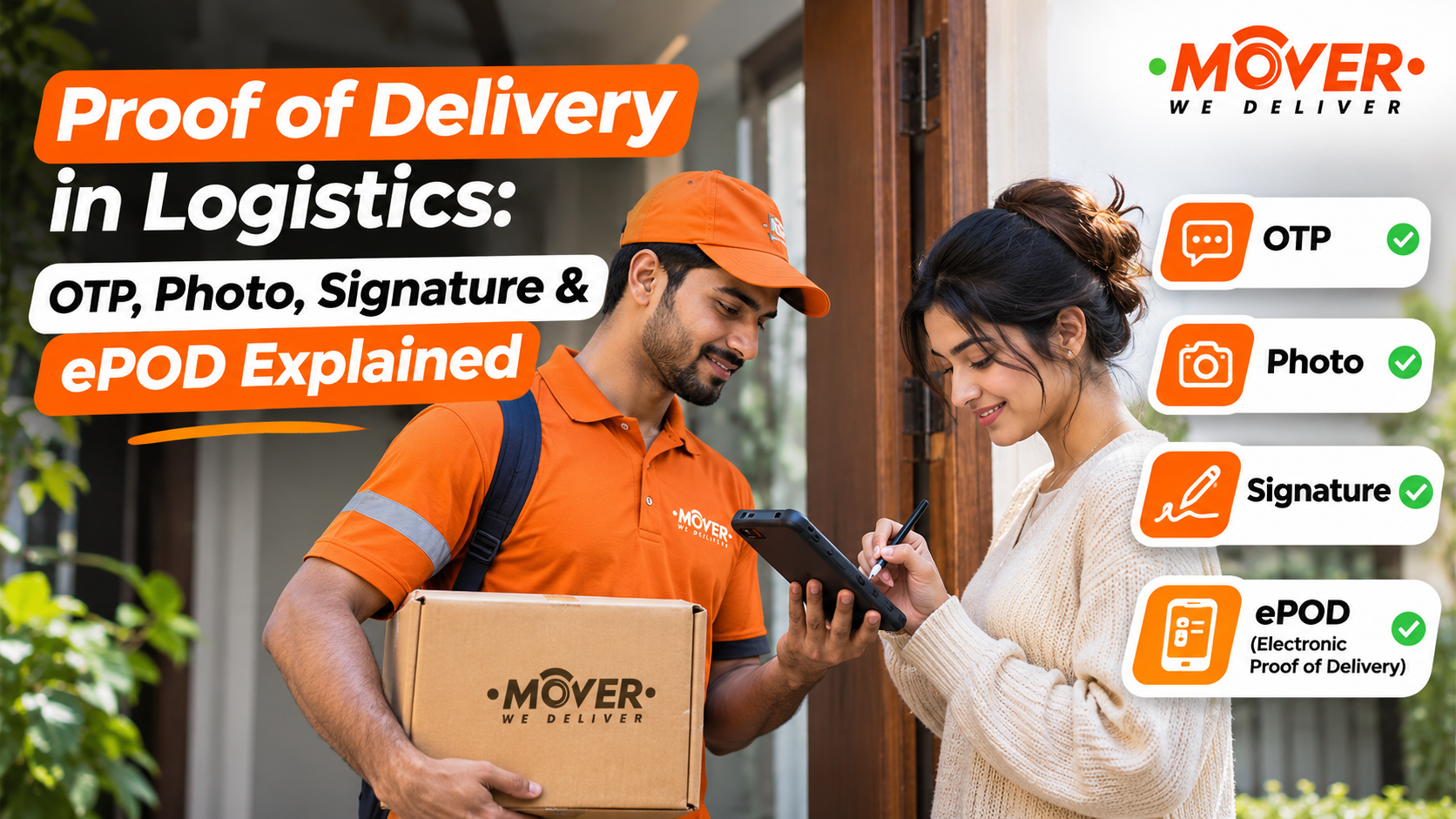

Today, our topic is proof of delivery in logistics and how OTP, photos, signatures and ePOD are used to confirm a delivery.
Keeping a record of goods sent and received is a normal part of running a business, and it is useful for customers too. For example, a shop’s stock may be received by an employee, while your order may be collected by someone else at home or at your office. If a question comes up later, the delivery record helps you check who received the goods and what was noted during the handover.
Let’s look at each method one by one and what it can tell you about a delivery.
What does proof of delivery mean in logistics?
The reason for the proof of delivery or POD is to have a document showing the handover. You may receive it as a signed paper receipt or an electronic confirmation linked to your shipment.
What you can check from that record depends on what was put into it. It may identify the receiving person, the delivery time and any remarks about the goods.
During last-mile delivery, this confirmation helps the business follow up on the customer’s order. Shops and warehouses also need to receive records when stock is delivered to them.
Before relying on it, read what the acknowledgement actually says. For example, if the receiving person counted sealed cartons, that tells you about the cartons received. It does not tell you that they opened every carton and checked every item inside.
How Do OTPs, Photos and Signatures Work in Proof of Delivery?
You may have received an order by sharing a code, signing a receipt or having the delivery partner take a photo. These methods record different parts of the handover, so let’s go through them individually.
OTP delivery confirmation
For OTP deliveries, the delivery partner will send your code to the recipient and validate it through the delivery system.Once the code is verified, the delivery record is updated with confirmation.
First, make sure you know what the code is for. A transport booking may also have an OTP for pickup or starting the trip. If the message says the code confirms delivery, wait until the goods reach you before giving it. The receiving person should understand what they are confirming when they share that code.
If the recipient’s number is wrong or the receiving person is unavailable, ask the delivery company how to complete the confirmation properly. Banking and account-login OTPs have no role in this handover.
Also remember that entering a code does not inspect the goods. Any check of quantity or condition still needs to be recorded.
Photo proof of delivery
A delivery photo is useful when you can identify the goods and see where they were handed over or left under the agreed instructions.
Make sure the photo can be matched with the correct shipment. A visible carton number or package label can help. If a carton is torn or wet, take a clear picture of that part too, so someone looking at the record later can understand the problem.
MOVER’s information on delivery images explains how the photographs of delivered goods are used as records, including during disputes.
A photo can show visible conditions, but it may not tell you who accepted the order. It also cannot show damage hidden inside an unopened package.
Signature proof of delivery
A signature records the receiving person’s acknowledgement. It may be taken on a paper receipt or captured on a phone or another device.
For a business delivery, also put in the person’s name and their role where relevant. This helps if someone later asks who signed for the order.
The remarks need attention too. If there is a shortage or a visible problem, make sure it is written down. And if the contents were not checked, the acknowledgement should reflect that. The wording beside the signature helps explain what the receiving person confirmed.
What is ePOD, and what should it contain?
Electronic proof of delivery, or ePOD, is the delivery record kept electronically. Depending on the service, it can bring together the OTP confirmation, delivery photos, a captured signature and other handover details.
For example, an order confirmed with an OTP may also have a delivery photo attached. Both can belong to the same ePOD.
For your business, these are useful details to check:
-
First, make sure you can match it with the right shipment. The order or the consignment reference should actually connect the POD with the goods you sent.
-
Then check who received the goods. Where the service records recipient details, the name and any relevant role should identify the receiving person.
-
Also check the delivery place and time. These details actually help you match the handover with the intended destination. If location data is available, it can help you check the delivery place too.
-
Also go through the proof attached to it. See whether the record includes an OTP confirmation, photo or signature, and check the details actually available.
-
Finally, see whether any remarks were added. Quantities checked, missing cartons, visible damage or a refusal should be described accurately where relevant.
GS1’s guidance on delivery records discusses keeping signed transport documents and making them accessible to the business customer. That matters when the person checking an order later was not present at delivery.
Before you send the goods, ask which of these details you will get from the delivery service.
Proof of Delivery (POD) vs Electronic Proof of Delivery (ePOD)
A POD can be kept on paper or electronically. If it is kept electronically, it is called an ePOD. So, let’s compare how a paper receipt and an electronic delivery record are handled.
|
What you are comparing |
Paper-based POD |
Electronic POD (ePOD) |
|
Recording the handover |
The receiving person signs a paper receipt, and the delivery details are written on it. |
The confirmation is recorded electronically. It may use a captured signature, photo or OTP, depending on the service. |
|
Keeping the record |
The receipt is filed. A scan or photograph of it may also be saved. |
The record is saved electronically and linked to the shipment. |
|
Sharing a copy |
The paper copy can be passed on, or a scan or photograph can be sent. |
The company may send a digital copy or provide access through its delivery system once the record is available. |
|
Adding photos and remarks |
Remarks can be written on the receipt, and photos can be kept with it separately. |
The system may keep photos and remarks with the same delivery record, where supported. |
If the company sends you a scan of a signed paper receipt, you have a digital copy of that receipt. It will show what was written on the paper. Any OTP confirmation, delivery photos or other details would need to have been recorded and shared too.
Which proof should your business ask for?
Start with the kind of delivery you are arranging and what the receiving person will check. A small customer order and a shop’s stock delivery may need different details.
|
Delivery situation |
Confirmation to agree on |
Extra detail worth recording |
|
A customer receives a small order directly |
OTP or recipient signature, as agreed |
Confirmation linked to the correct order |
|
An authorised receptionist receives an office delivery |
Acknowledgement from the receiving person |
Their name, role and receiving location |
|
Stock reaches a shop or warehouse |
Receiving acknowledgement with quantity remarks |
Cartons or pieces checked and any differences |
|
Fragile or higher-value goods are delivered |
Agreed acknowledgement with clear condition photos |
Visible condition, packaging and any issues noticed |
If office deliveries often go to reception, the receiving person’s name may be what your team needs most. For a shop receiving stock, the quantity check may need more attention. Discuss these details with the delivery service and receiving team so everyone knows what to record.
Is POD the same as tracking, an invoice or a GRN?
You may wonder why you need a separate delivery record when the invoice and tracking details are already available. The reason is that they each record a different part of the order.
Tracking shows the shipment’s progress and reported status. Some tracking pages also give access to the POD. If an order is disputed, look at the supporting handover details behind the “delivered” status.
The invoice helps you check what was sold and the amount charged. A delivery challan records goods being moved where that document is applicable. Neither, by itself, tells you who received the goods at the destination.
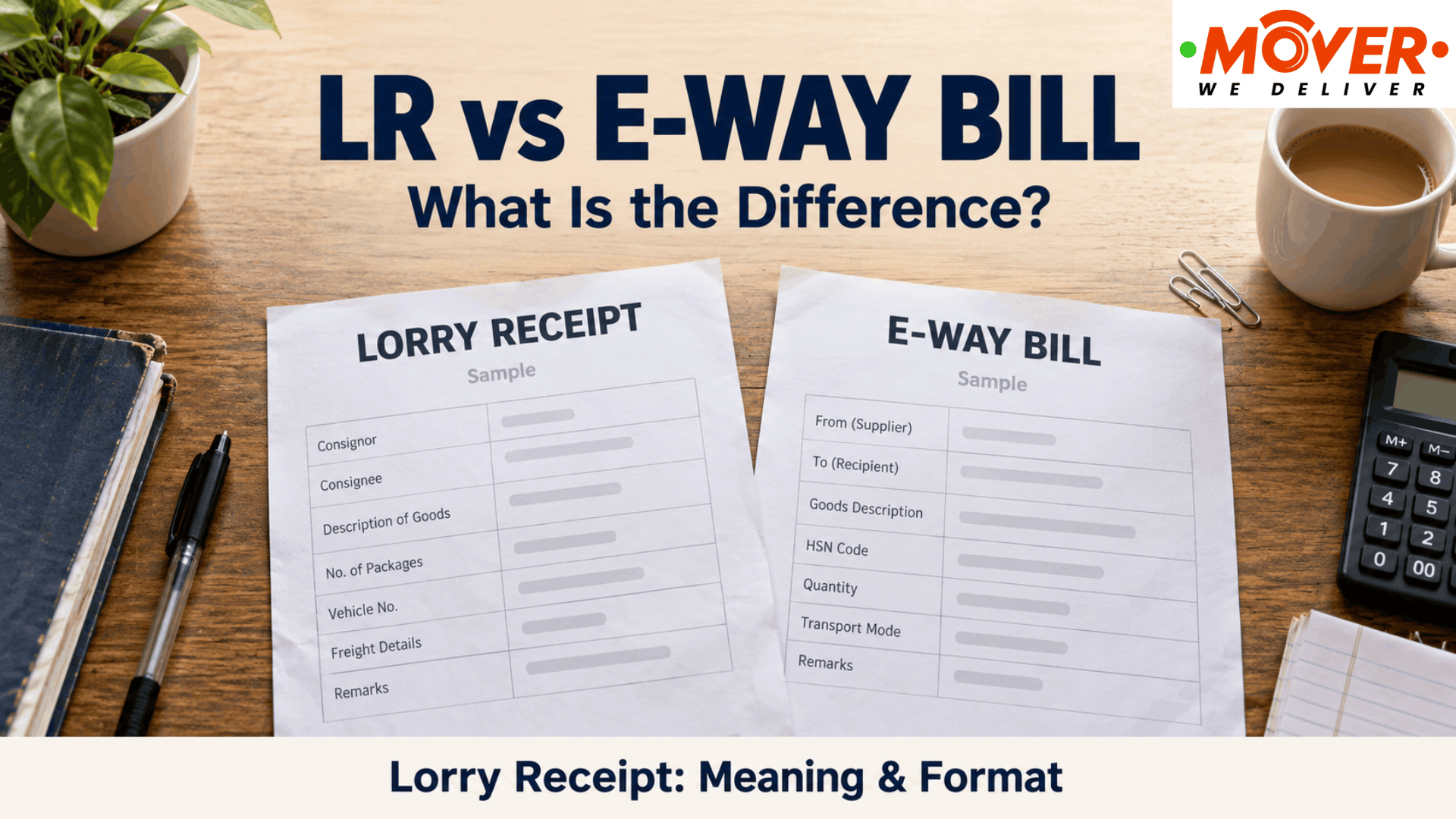
An e-way bill has a separate role in documenting goods movement under GST. You still need the applicable dispatch documents even when you will receive a POD afterwards. Our guide to e-way bill rules explains what businesses should check for local deliveries.
For a warehouse, the goods-receipt record, often called a GRN, records the goods and quantities entered as received. If the POD shows one quantity but the GRN shows another, ask the receiving team about the difference. You need to understand what was recorded in each.
What if the order says delivered, but there is a problem?
Case 1: The customer says they have not received the order
If a customer says the order has not reached them, first check that you are both talking about the same shipment. Then ask whether someone else was allowed to receive it. An office colleague or receptionist may have collected the order without passing it on yet.
Then ask the delivery company for the actual POD evidence. Go through the receiving details, time, location and any photo, signature or OTP confirmation available. Check whether they match the customer’s order and delivery instructions.
The driver’s location can help you investigate, but you still need to understand what happened during the handover.
If the details do not match, explain the difference to the delivery company in writing. Keep the original record and the customer’s messages together while the team checks it.
Case 2: Some goods are missing or damaged
Suppose a shop expected 12 cartons, received 11, and one arrived wet. The receiving record needs to explain those details.
For something like this, write down how many cartons actually arrived and which carton was wet. Take a photo of that carton as well. If you were only able to count the cartons at that point, also mention that the contents still need checking.
If damage is found while opening a carton later, report when it was found and share photos of the item and available packaging. Explain what was checked at delivery and what only became visible after unpacking.
Keep any later explanation as a separate note with the original acknowledgement. That way, you can see what was recorded at delivery and what was reported afterwards.
How should a business collect and keep its POD records?
Before sending orders through a delivery service, decide who can receive the goods and what confirmation you need. Also tell the receiving team how to record a shortage, damage or a delivery they cannot accept.
For regular deliveries, ask when the POD becomes available and how your team can obtain it. You should know whether you will access it through your delivery account, receive a copy or request it from support.
MOVER offers POD and OTP/geofence safeguards, along with tracking tools for business delivery operations. When arranging the service, discuss the records your team needs and how you can access them.
Once you have the POD, keep it with the shipment reference and relevant dispatch or receiving documents. Another team member should be able to find it when answering a customer or checking a delivery.
Also think about who needs access to those records. They may contain names, addresses, signatures and images. CERT-In’s guidance on access controls recommends giving employees permissions according to their responsibilities.
If you need regular business deliveries, you can discuss your receiving and record requirements with MOVER while arranging the service. Also ask whom to contact if a delivery query needs checking.
FAQs
1. Does every delivery really need a signature?
You don’t need a signature for every delivery. The service may use an OTP, photo or another agreed way of confirming receipt. If your business needs a signed acknowledgement, then make sure to tell the delivery company before sending the goods.
2. When should the recipient actually share a delivery OTP?
The recipient should share a delivery-confirmation OTP when the goods reach them, following the handover instructions for that order. Make sure to read the message first so you know what you are confirming.
3. Can a receptionist or the security guards receive the order?
Yes, a receptionist or security guard can receive the order when this has been agreed for the delivery before. Their name should be recorded so the business knows who actually collected the goods.
4. Does POD confirm that everything inside the carton is undamaged?
No, a POD does not automatically mean that everything inside a carton is undamaged. If the receiving person only counted sealed cartons, that is what the record should confirm. Details of any contents inspection should be recorded too.
5. How can a business get a copy of its POD?
For your business to get a copy of POD, check whether it is available with the shipment in your delivery account. If you cannot find it there, make sure to ask the delivery company for the record and then give them the order or the consignment number.
6. Does POD also prove that a COD payment was collected?
A POD that only confirms delivery does not prove that a COD payment was collected by them. You also need to check the payment collection details for that order, and whether they are actually kept separately or mixed in the same system.